• 2 min read
Dual smaller monitors can beat a 27-inch display
For many home offices, a second screen is the simplest upgrade. A laptop can also double as the extra display without adding another monitor.
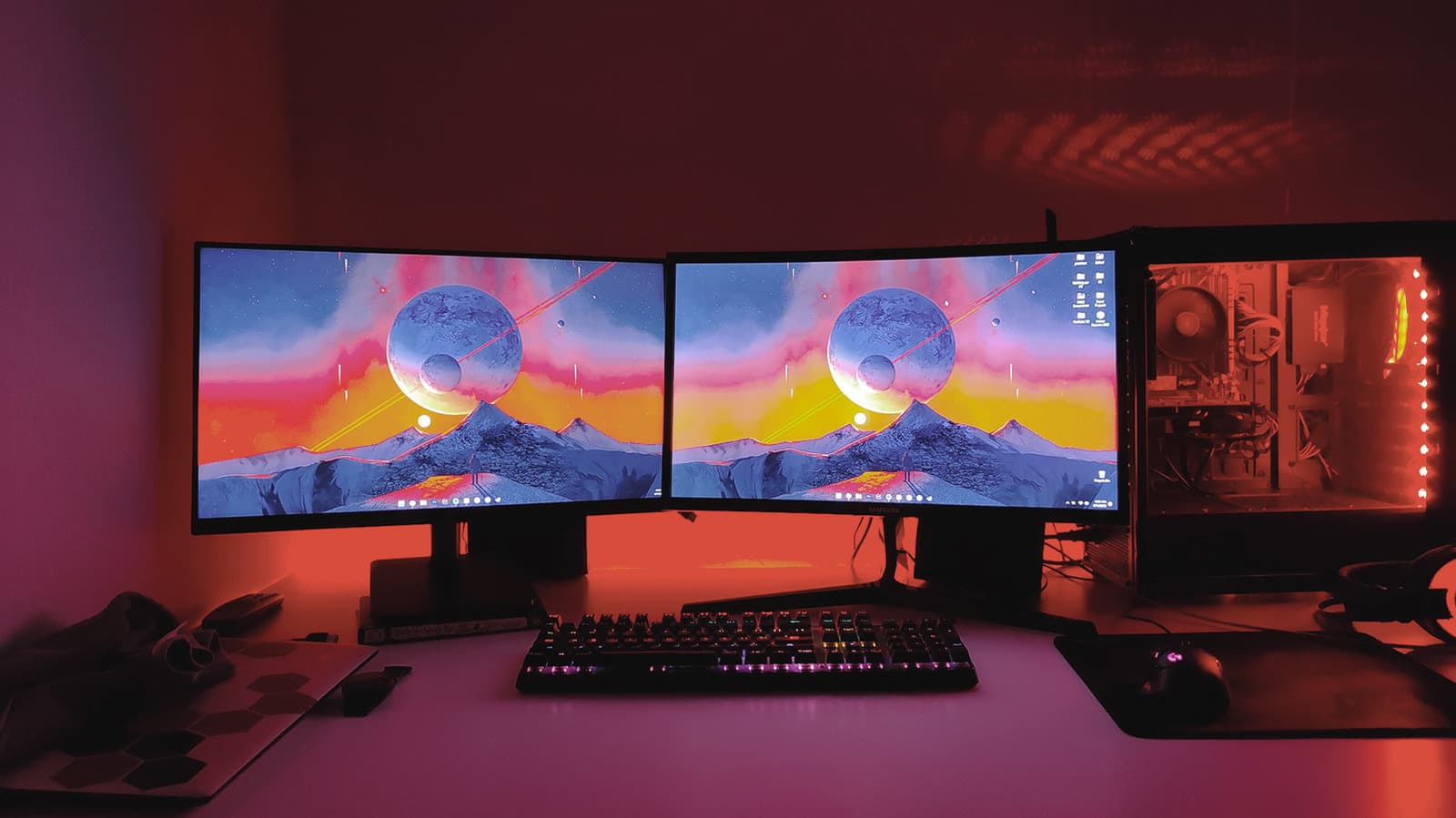
Image: Engadget
A second screen is one of the easiest upgrades for a home office, and in many cases it does more for day-to-day workflow than any app or accessory. As Engadget notes, setting up dual displays is usually as simple as connecting a monitor to an available DisplayPort or HDMI port, with a docking station helping if a laptop has limited ports.
The main benefit is straightforward: more room for windows. Two 24-inch monitors can sit side by side, or one can be stacked above the other if desk space is tight. For programming or writing, a vertical display can also make sense, and the orientation can be changed in a computer’s display settings.
Engadget recommends matching displays as closely as possible on size, resolution, refresh rate and color balance. That usually means buying the same model, especially if you want the setup to feel seamless.
Using a laptop as the second screen
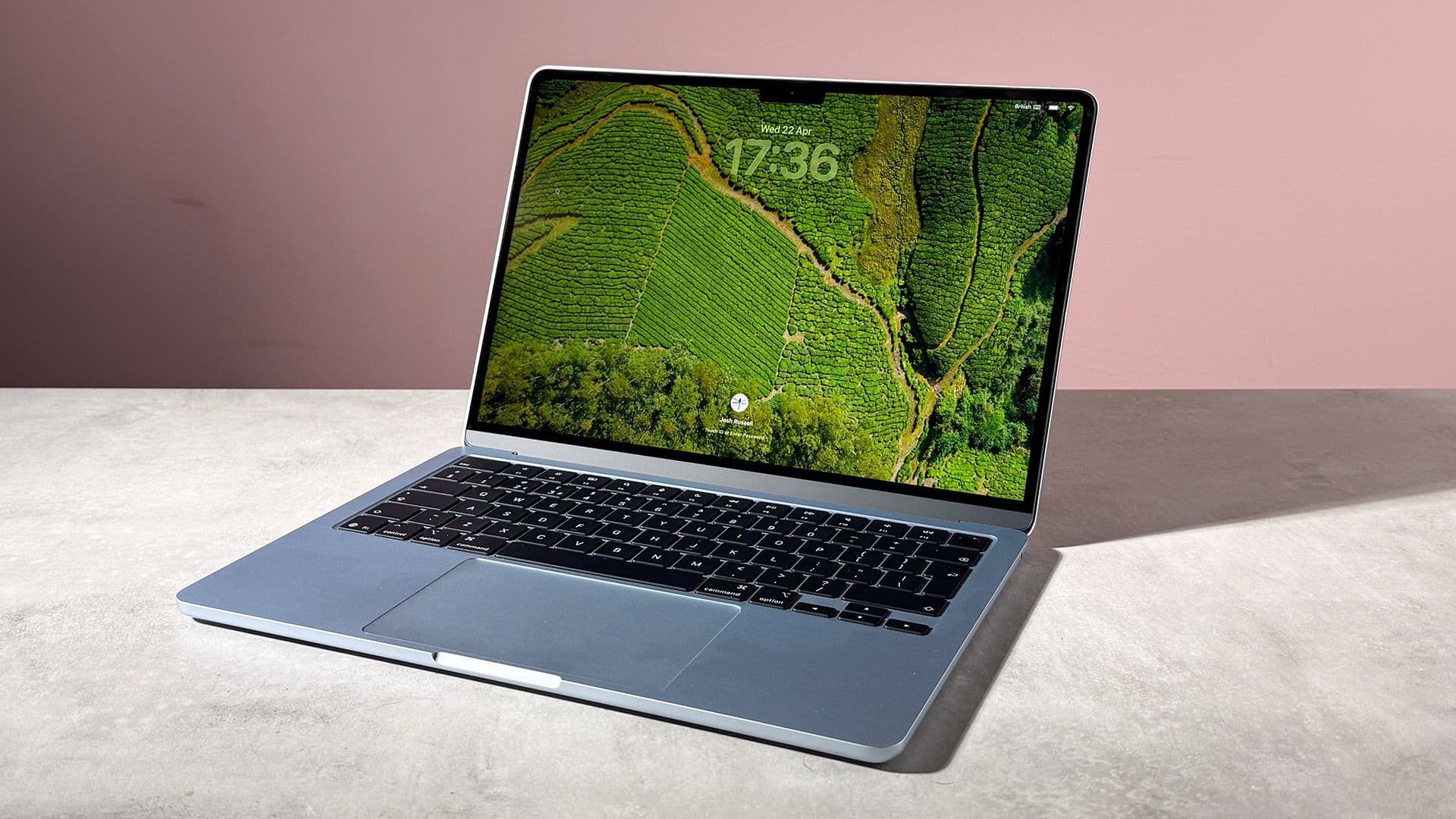
For laptop users, the built-in display may already be the ideal companion screen.

Recommended reading
TSMC’s 2nm line is 4x busier than 3nm was
The author says that after moving and rebuilding a workspace, a single 27-inch monitor felt sufficient as the main display, while the laptop screen handled secondary apps such as Spotify, Slack or YouTube. Placing the laptop directly under the monitor, rather than off to the side or elevated on a stand, also preserves access to the laptop’s keyboard, trackpad and webcam.
There are tradeoffs. A laptop panel will often differ in size and resolution from the external display, but that matters less if it is only handling background tasks. If the laptop supports charging and display output over USB-C, a docking station can power the whole setup through a single cable.
When one large monitor makes more sense
Dual monitors are not always the cleanest option. They add cables, consume more desk space and need extra power outlets.
After trying several dual-screen arrangements, the author says they returned to a single 32-inch 1440p curved monitor. It offered enough room for multiple windows without the added complexity of a second display. Engadget adds that anyone buying a monitor larger than 27 inches should consider stepping up to 4K.
The other recommendation is simpler: buy a monitor arm. It offers more flexibility for height and tilt than many built-in stands, especially on gaming monitors.

Computing Editor
Tomas lives in the terminal. He covers chips, laptops, and operating systems with a focus on performance and efficiency. He reads kernel changelogs the way other people read fiction, and he's always on the hunt for the perfect mechanical keyboard switch. If it processes data, Tomas has an opinion on it.
via Engadget