• 2 min read
Google to count Android backups toward cloud limits in 45 days
Google says Android device backups will start using account storage in 45 days, which could halt automatic backups for users near their cloud limit.

Image: ITzine
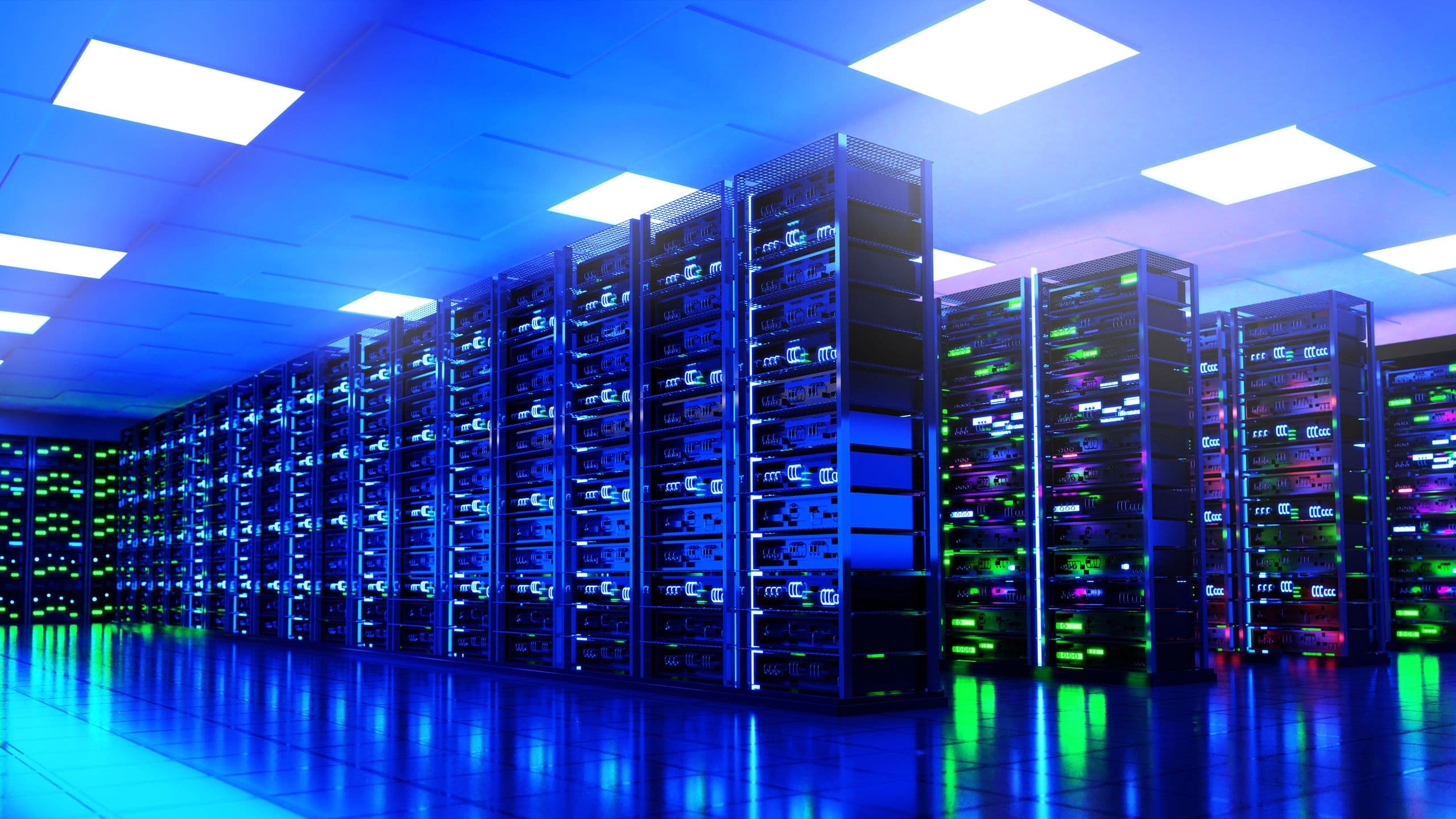
Google is changing how Android backups are handled: in 45 days, device backups will start counting against the account’s shared cloud storage limit. Once that quota is full, automatic backups will stop until the user frees up space or upgrades to a paid Google One plan.
Right now, that storage limit already includes photos, videos, and MMS. After the change, it will also cover SMS, call history, device settings, and app data. That means Google’s free cloud tier may feel much tighter not just for people with large media libraries, but also for users with extensive message histories or device settings they expect to restore when moving to a new phone.
In an email to users, Google separately warns that the space taken up by a backup could increase noticeably once the new policy takes effect.
Recommended reading
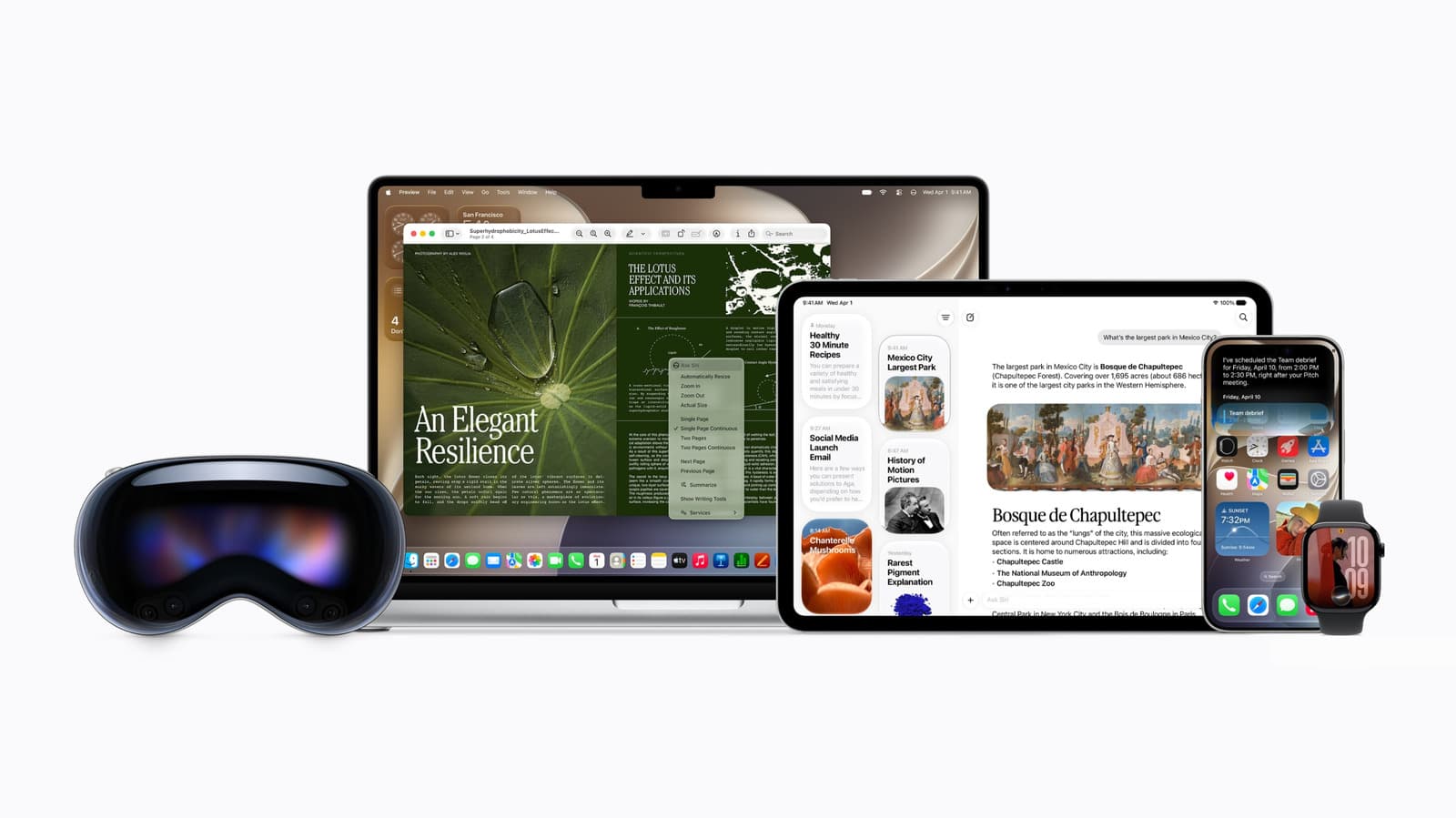
Siri AI gets an early verdict on Engadget’s latest podcast
To soften the impact, Google is preparing more precise controls for Android Backup. On devices running Android 9 and newer, users will be able to choose which data types and individual apps are included in a backup.
The shift fits a broader pattern across cloud subscriptions. At Apple, iCloud storage is also quickly consumed by backups and media libraries, while Microsoft and Dropbox have long treated free storage more as an entry point to paid plans than as a full backup solution.
For Android users, the immediate question is how large their backup will become after the update — and exactly what they will be able to turn off manually. If an account is already close to its limit, backup interruptions could happen as soon as the new rules take effect, not after the next round of file cleanup.

Computing Editor
Tomas lives in the terminal. He covers chips, laptops, and operating systems with a focus on performance and efficiency. He reads kernel changelogs the way other people read fiction, and he's always on the hunt for the perfect mechanical keyboard switch. If it processes data, Tomas has an opinion on it.
via ITzine