• 2 min read
LG monitors may install McAfee on Windows 11 PCs
Windows Latest says some LG monitors trigger an app install through Windows Update, bringing a McAfee pop-up with it.
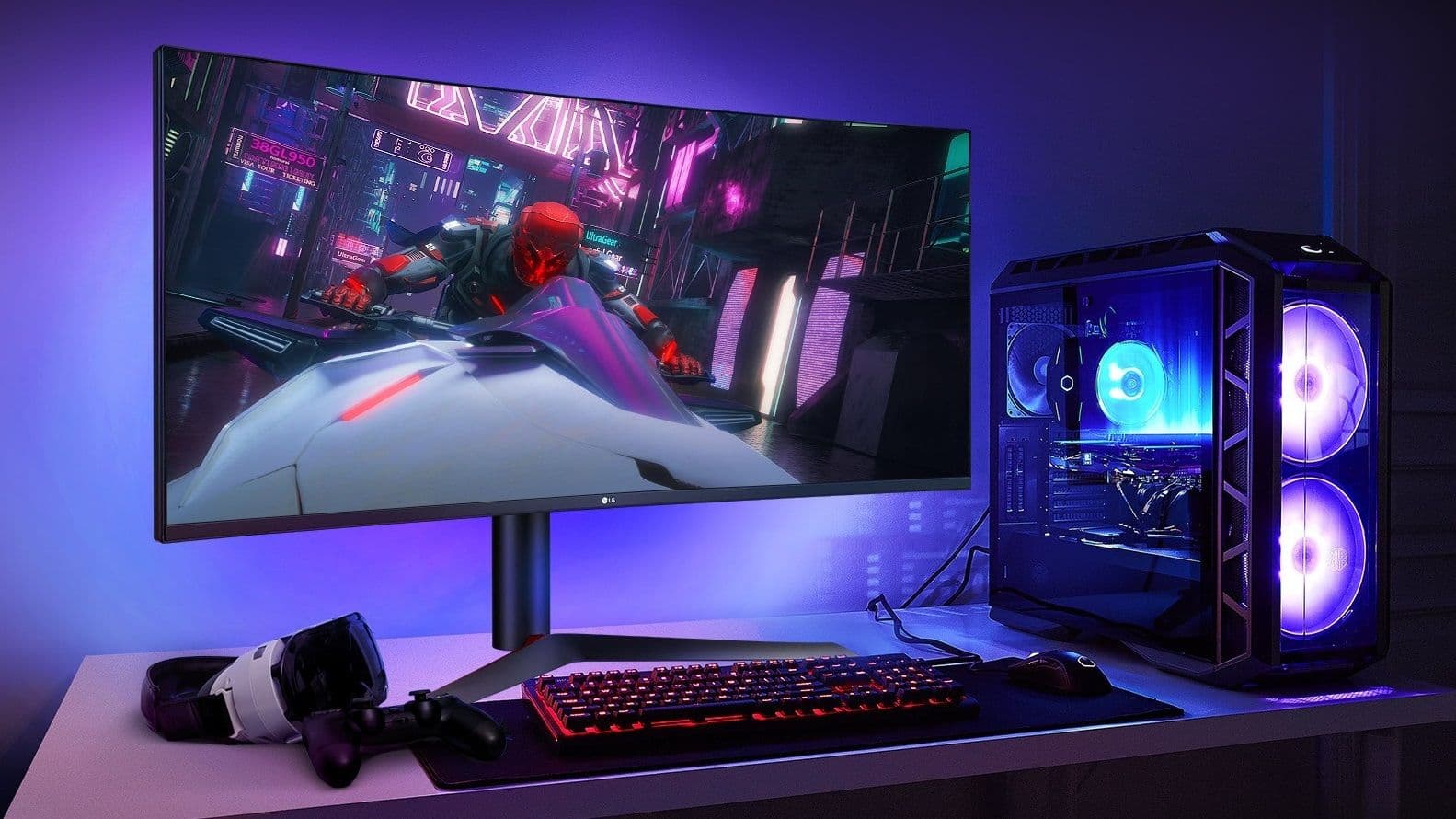
Image: TechRadar
Some LG monitors are reportedly adding to Windows 11's bloat problem by triggering the installation of software users never asked for. According to Windows Latest, plugging an LG monitor into a PC can lead Windows Update to automatically install the LG Monitor App Installer — and that package includes a McAfee pop-up.
The report says users do not need to install the app themselves. Evidence for the behavior also appears in the app’s Microsoft Store changelog, while Windows Reliability Monitor reportedly logs a “successful Windows update” for the LG Monitor App Installer package after the display is connected.
TechRadar says it contacted LG for comment but had not received a response at the time of writing. Microsoft also had not issued a statement.

Recommended reading
Nvidia tweaks DLSS 5, but gamers still aren’t sold
There is a workaround, but it is far from simple. Users can open the Group Policy Editor by pressing Windows + R, entering gpedit.msc, and then going to:
- Computer Configuration
- Administrative Templates
- System
- Device Installation
- Prevent automatic download of applications associated with device metadata
From there, set the policy to Enabled and apply the change.
In theory, that should block unwanted app installs tied to device metadata, including cases like this. If you already installed the LG monitor app manually, the report advises removing it, since the Microsoft Store listing suggests McAfee is built into the package.
For users already frustrated by Windows 11 clutter, the bigger issue is not just the extra software but the fact that stopping it requires digging through administrative settings most people will never touch.

Computing Editor
Tomas lives in the terminal. He covers chips, laptops, and operating systems with a focus on performance and efficiency. He reads kernel changelogs the way other people read fiction, and he's always on the hunt for the perfect mechanical keyboard switch. If it processes data, Tomas has an opinion on it.
via TechRadar