• 2 min read
Windows 11 24H2 loses support on Oct. 13, 2026
Microsoft will end support for Windows 11 24H2 Home and Pro on Oct. 13, 2026. Users should move to 25H2 before security updates stop.
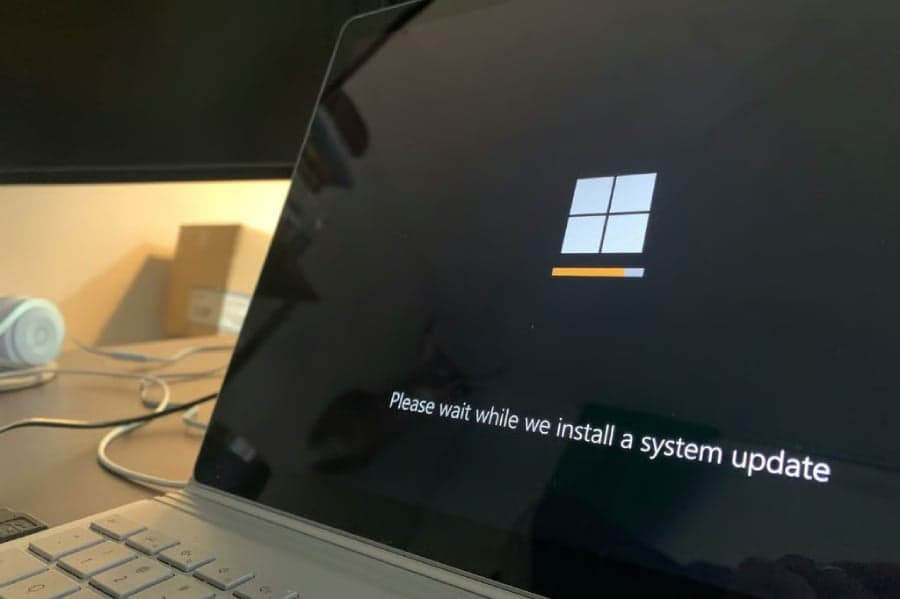
Image: TechRepublic
Microsoft has issued a 90-day warning for users to upgrade before support ends for Windows 11 version 24H2 Home and Pro on Oct. 13, 2026. After that date, those editions will no longer receive monthly security or non-security preview updates, leaving unmanaged PCs increasingly exposed to newly discovered vulnerabilities.
Microsoft said in a message center update:
“After this date, devices running these editions will no longer receive monthly security and non-security preview updates containing protections from the latest security threats.”
The same deadline also applies to Windows 10 Enterprise LTSB 2016, while Windows Server 2022 will exit mainstream support on Oct. 13, 2026 and move into extended support.
Upgrade paths for Windows 11 24H2, Windows 10 LTSB 2016, and Server 2022
For most consumers, the path forward is straightforward. Microsoft is pushing affected users to Windows 11 version 25H2, which is delivered as a minor update through an enablement package on top of 24H2. On unmanaged consumer PCs, the update will install automatically, though users can schedule restarts.

Recommended reading
PennyLane packs quantum dev tools into one open platform
Enterprise customers have a different timeline:
- Windows 11 24H2 Enterprise and Education stay supported until Oct. 12, 2027
- Windows 10 Enterprise LTSB 2016 should move to Windows 11 Enterprise LTSC 2024
- Businesses that need more time can buy Extended Security Updates (ESU)
- Windows Server 2022 will continue getting security patches at no extra cost through Oct. 14, 2031, but no new features; Microsoft recommends Windows Server 2025 for full mainstream support
What users and IT teams should check before moving to 25H2
TechRepublic notes that Windows 11 25H2 should be a routine, free upgrade through Windows Update for eligible PCs. Even so, older printers, VPN tools, security software, specialized business apps, and hardware with limited driver support can still cause trouble during a rollout.
Users can confirm their current version in Settings > System > About under Windows specifications. If they are still on 24H2, they should check Settings > Windows Update to see whether 25H2 is available.
Before upgrading, users should:
- back up important files
- install available driver and firmware updates
- verify that critical software supports 25H2
For businesses, the advice is more cautious: test 25H2 on a small device group before a broader deployment. As Microsoft tightens Windows support cycles, that validation work is becoming a regular part of staying secure and compliant.

Computing Editor
Tomas lives in the terminal. He covers chips, laptops, and operating systems with a focus on performance and efficiency. He reads kernel changelogs the way other people read fiction, and he's always on the hunt for the perfect mechanical keyboard switch. If it processes data, Tomas has an opinion on it.
via TechRepublic