• 2 min read
Canva Code 2.0 brings visual editing and HTML imports
Canva has launched Canva Code 2.0 with visual editing, HTML imports, 50+ templates, real-time collaboration, and custom domain publishing.
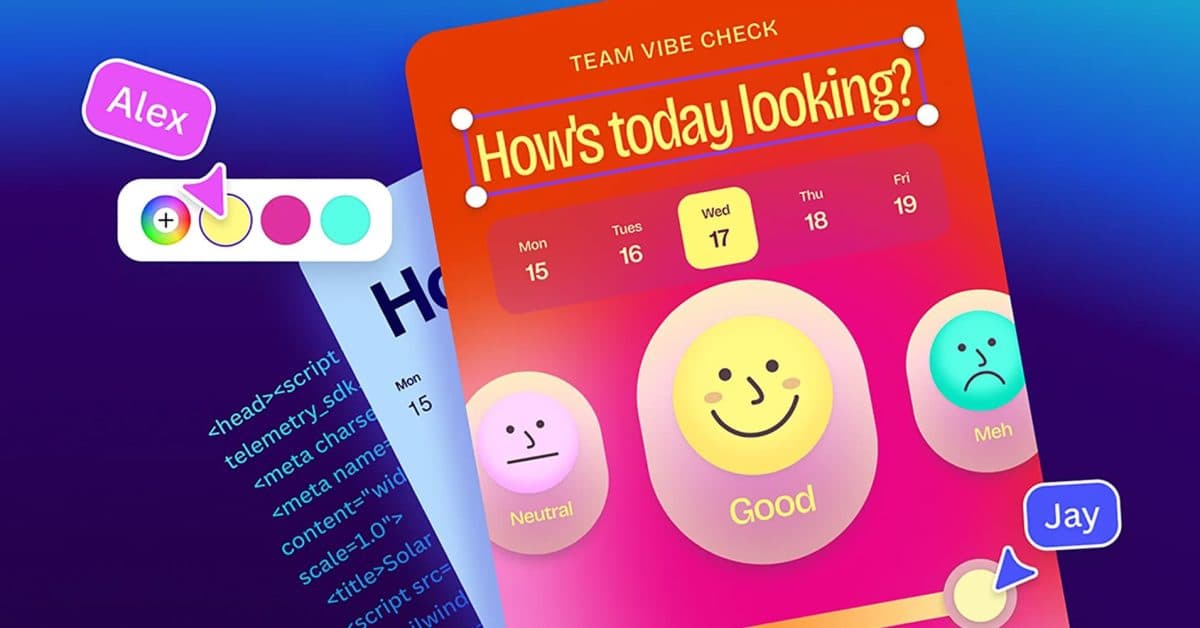
Image: 9to5Mac
Canva has unveiled Canva Code 2.0, a coding tool the company says can build websites, apps, and interactive experiences from prompts, then let users edit them visually inside Canva’s editor.
The update expands on Canva AI 2.0, which the company introduced a few months ago as a unified conversational interface for design, automation, and content creation built on Canva’s Proteus, Lucid Origin, and I2V generative image and video models.
With Canva Code 2.0, users can start from a prompt, pick from more than 50 new templates, or import HTML to keep working on pages originally created with other platforms and assistants. The platform also adds real-time collaboration, and Canva says it ties directly into its broader design toolset to help teams keep projects aligned with their brand.
Canva described the pitch this way:

Recommended reading
Kodak’s $100 cameras keep outselling Sony and Canon
“Canva Code sits inside the same intuitive editor where you already house your brand kit. You can manually tweak your creation directly in the Canva Editor like any other design, or use Canva AI to prompt edits. It’s easy to swap in your own images by dragging directly from Canva’s built-in library, update colors and fonts through the familiar toolbar, click into any section to retype text directly, or select a specific element to refine with conversational AI. The result is an interactive experience that works and looks like it came from you.”
Publishing options include either a custom domain or a free Canva domain. According to the company, finished projects are fully interactive, adapt automatically to different screen sizes, and can be previewed on mobile before they go live.

Computing Editor
Tomas lives in the terminal. He covers chips, laptops, and operating systems with a focus on performance and efficiency. He reads kernel changelogs the way other people read fiction, and he's always on the hunt for the perfect mechanical keyboard switch. If it processes data, Tomas has an opinion on it.
via 9to5Mac