• 2 min read
5 Windows 11 update features worth noticing now
Windows 11's July 2026 update adds five standout features, from Point-in-Time Restore to Shared Audio, though some are rolling out slowly.
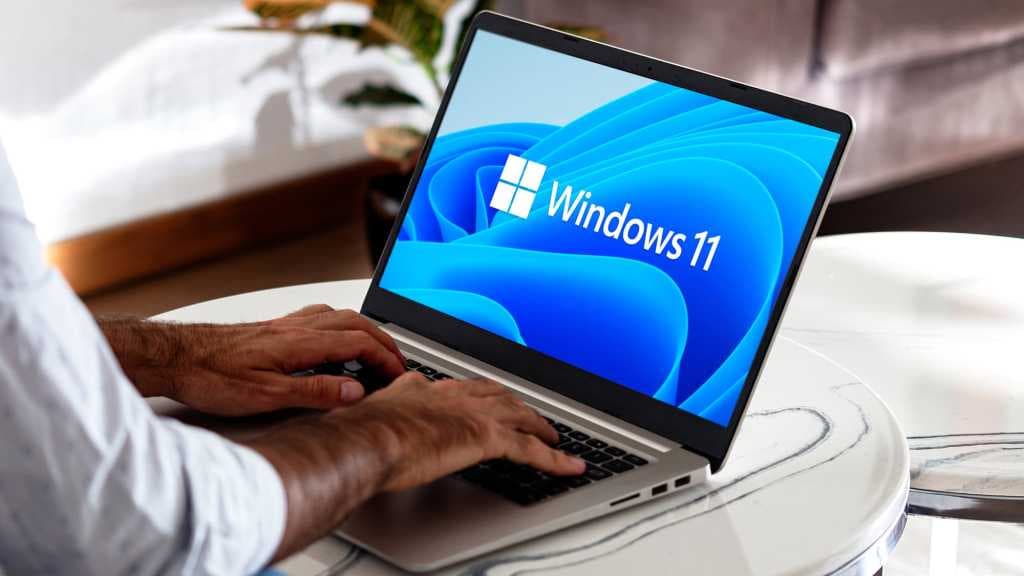
Image: PCWorld
Windows 11 picked up a long list of features and security fixes in July 2026, but PCWorld says five additions stand out from the rest. There is one catch: even after installing the update, Microsoft is enabling some features gradually to avoid server strain and catch unexpected problems. If something is missing on your PC, it may simply not be live yet.
The first change is a cleaner Widgets Board. It no longer expands to full size when you hover over the Widgets icon on the taskbar, and Microsoft has reworked the dashboard so it feels less cluttered and easier to scan. The taskbar also now shows notifications and icons in a minimized state.
Another practical tweak is a new calendar-based option to pause Windows Updates. Microsoft still warns users not to delay updates for too long, but the scheduling tool should make short postponements easier to manage.
The biggest addition may be Point-in-Time Restore (PITR). The feature can automatically create restore points covering the Windows system, apps, settings, and files. Users can then roll a PC back to one of those snapshots from the last 72 hours, effectively giving Windows a broader undo function than before.
Microsoft has also added Screen Tint, an eye-strain feature similar in spirit to Night Light. Instead of only shifting color temperature warmer or cooler, Screen Tint lets users adjust both the color and intensity of the overlay across the whole display.
Recommended reading
AMD tests 8x frame generation for future Radeon GPUs
Finally, Bluetooth gets both fixes and a new capability. Alongside connection improvements, Microsoft has introduced Shared Audio, which lets multiple Bluetooth devices listen to Windows audio at the same time.
PCWorld notes that these features are already part of the July update package, even if activation on individual PCs may take longer.

Computing Editor
Tomas lives in the terminal. He covers chips, laptops, and operating systems with a focus on performance and efficiency. He reads kernel changelogs the way other people read fiction, and he's always on the hunt for the perfect mechanical keyboard switch. If it processes data, Tomas has an opinion on it.
via PCWorld