• 2 min read
How hidden Android settings can make your old phone feel new again
Even if your phone isn’t the latest model, a few less-known Android tweaks can revive that fresh-device thrill. Digging into Developer Options, a menu most users overlook, reveals settings that speed up animations, impro
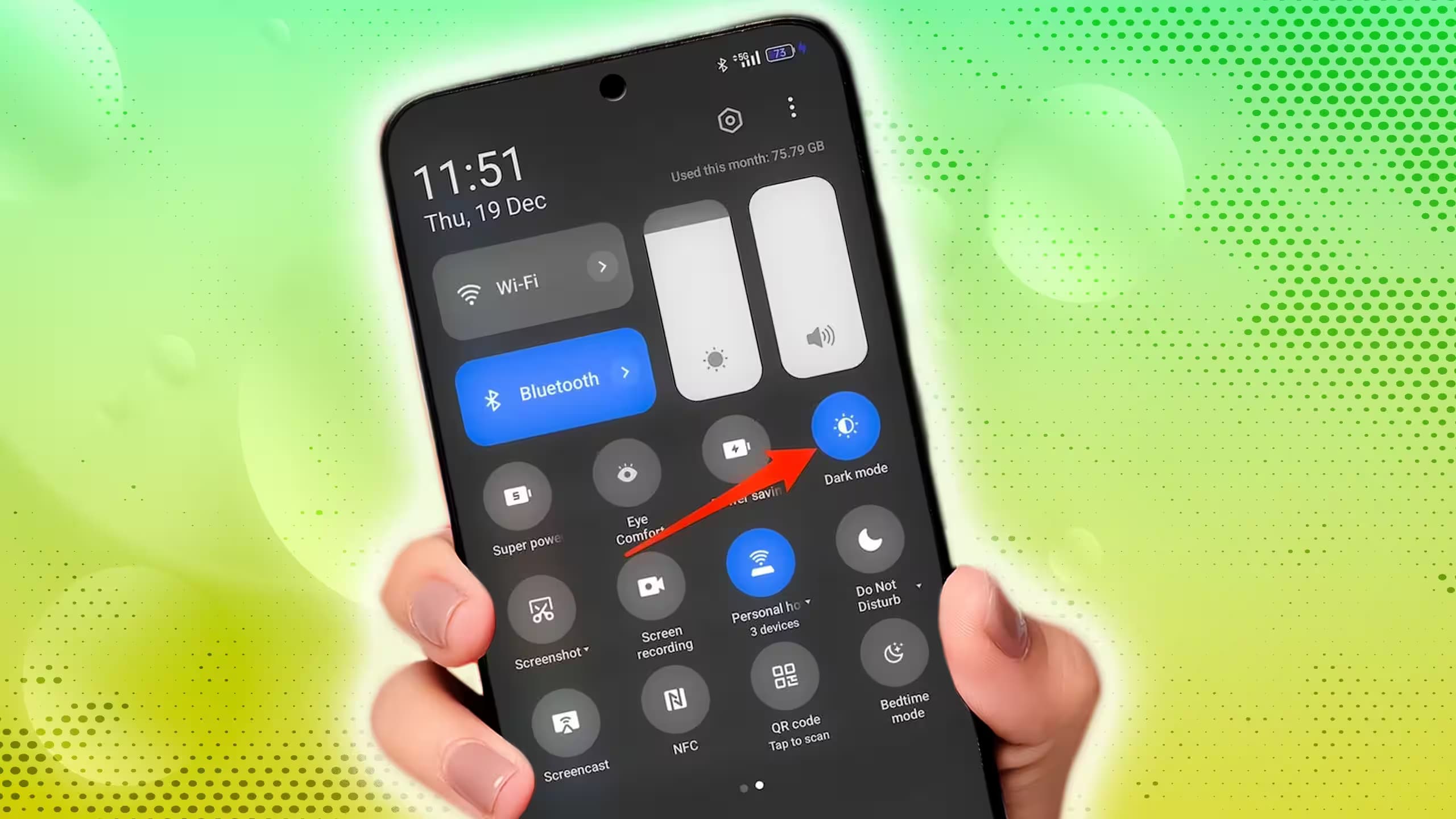
Image: androidpolice.com
Even if your phone isn’t the latest model, a few less-known Android tweaks can revive that fresh-device thrill. Digging into Developer Options, a menu most users overlook, reveals settings that speed up animations, improve audio quality, and optimize how apps run in the background-making your current device feel snappier and smarter without any hardware upgrades.
Take adjusting animation speeds. By default, Android visually smooths transitions with animations timed at 1x speed, so when you open an app, the icon gradually expands rather than instantly changing screens. Slowing these down can feel sluggish and unnatural-10x speed turns your phone into a display snail. But halving (0.5x) this duration still keeps transitions smooth while making your phone feel noticeably faster. This change is purely software-driven, so it won’t push your hardware harder but can trick your brain into sensing better responsiveness.
Choosing the right Bluetooth codec is another overlooked performance boost. Many devices default to the basic SBC codec, which compresses audio heavily and limits sound quality. Switching to advanced codecs like Sony’s LDAC, capable of streaming at up to 990 kbps, substantially improves wireless audio fidelity-if your headphones and phone both support it. This little tweak transforms everyday listening without requiring new gadgets.
Apps running quietly in the background can drain battery and RAM if not managed properly. Turning off “Don’t keep activities,” which force-closes every app upon leaving, is good. Instead, Android’s “Suspend execution for cached apps” freezes app activity while keeping them loaded in memory, preventing unnecessary processing and bandwidth use. This strategy hits a sweet spot between performance and resource management, letting apps launch faster from memory without the cost of background drain.
These hidden Android settings show how the system isn’t a static experience tied strictly to hardware specs. Even devices a generation or two old get a speed and quality boost by customizing software behavior. With a bit of curiosity and a quick trip to Developer Options-activated by tapping your Build number seven times-you can rediscover your phone as if it were new, no upgrade necessary.

Recommended reading
Hassabis says STEM makes you 10x better at AI

AI Editor
Ava covers the rapidly evolving world of artificial intelligence, from foundational models and research labs to the real-world economics of intelligence. With a background in computational linguistics, she cuts through the hype to find out what actually works. She firmly believes that benchmarks are just marketing until reproduced in the wild.