• 2 min read
Microsoft lets Office users hide the Copilot button
Microsoft is finally giving Office users a way to hide the floating Copilot button in Word, Excel, and PowerPoint. The change is coming next week, and for anyone who has watched that little AI badge sit on top of a sprea
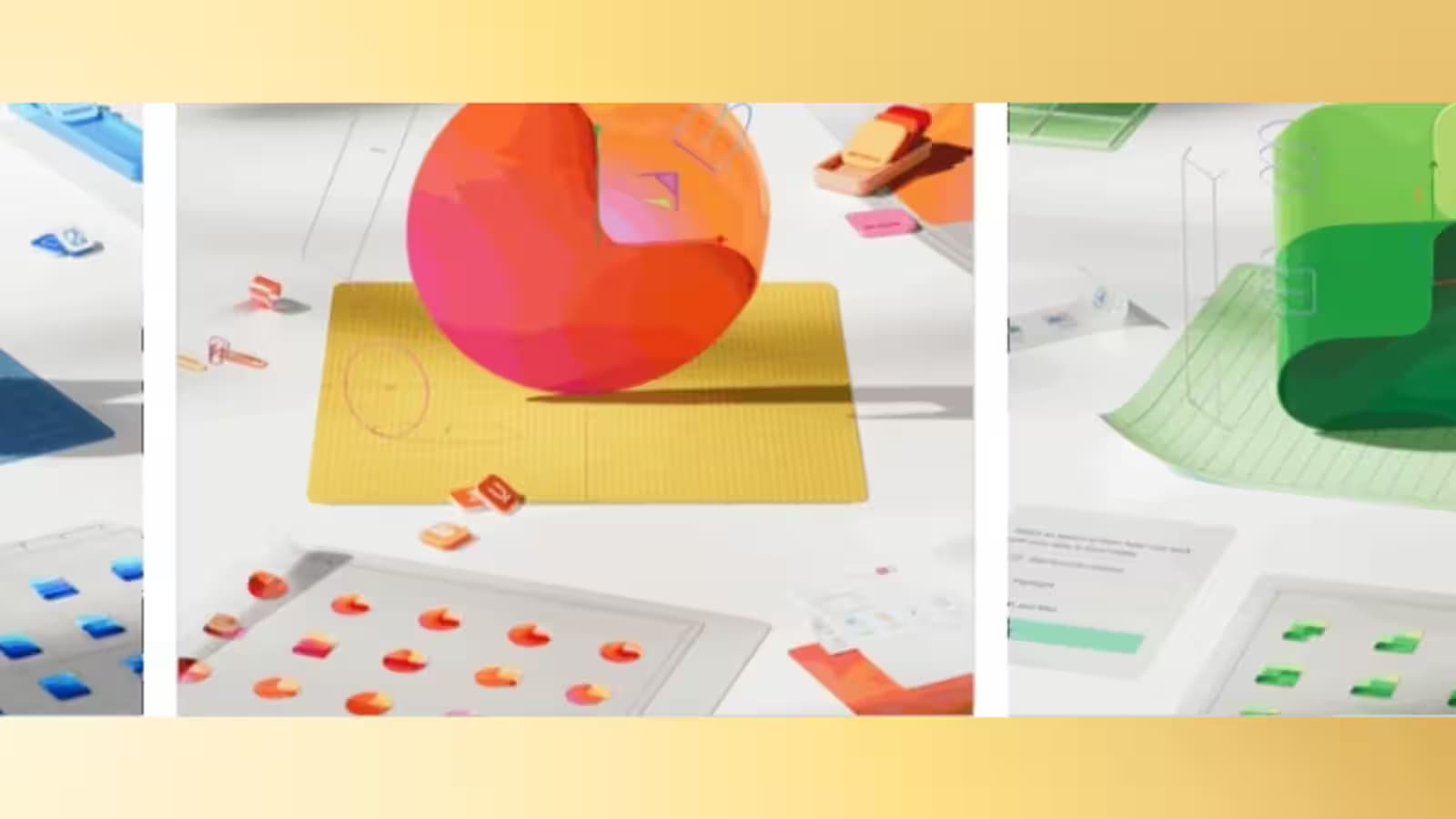
Image: ixbt.com
Microsoft is finally giving Office users a way to hide the floating Copilot button in Word, Excel, and PowerPoint. The change is coming next week, and for anyone who has watched that little AI badge sit on top of a spreadsheet cell at the worst possible moment, it will feel less like a feature and more like an overdue apology.
The company says the new option will let people move Copilot onto the toolbar instead of leaving it hovering over documents. That is the right kind of fix: not a retreat from AI, just a small dose of respect for screen real estate. Microsoft has already been pruning unnecessary Copilot buttons across Windows 11 apps, so this fits a broader cleanup rather than a one-off concession.
How to hide the Copilot button in Office
For now, the adjustment is simple. Users will be able to remove the floating button from the page area and place it on the ribbon, where it belongs if it insists on existing at all. In Excel, that matters most: anything that obscures cells in a grid-based app is going to annoy power users fast.
- The Copilot button can be moved off the document surface
- The floating button will be replaced by a toolbar placement option
- The update is expected to reach users next week
Microsoft is reacting to user pressure
Katherine Kivett, a Microsoft product manager, said the company had seen requests for more control over how Copilot appears. That tracks with a familiar pattern: software makers push AI into the interface, then discover people still want to work without pop-ups sitting in their way. Competitors have been doing the same dance, from Google’s Gemini prompts in Workspace to Adobe’s persistent AI nudges, and users tend to tolerate them only until the UI starts fighting back.

Recommended reading
Signal tests Android phones as linked devices
The bigger signal here is that Microsoft is learning the obvious lesson fast enough to avoid more backlash. AI tools are easier to sell when they can be summoned on demand, not when they behave like a stubborn sticker glued to the screen.
What Copilot in Office could look like next
The open question is whether this is the end of the interface clutter or just the first concession. If Microsoft keeps shipping AI features, it will need to prove they can be useful without turning every document into a sales pitch.

Computing Editor
Tomas lives in the terminal. He covers chips, laptops, and operating systems with a focus on performance and efficiency. He reads kernel changelogs the way other people read fiction, and he's always on the hunt for the perfect mechanical keyboard switch. If it processes data, Tomas has an opinion on it.
via ixbt.com