• 3 min read
Kapwing gets pricey, but its AI video tools deliver
Kapwing combines fast AI video generation with solid editing tools, but its limited free tier and higher pricing make cheaper rivals worth a look.
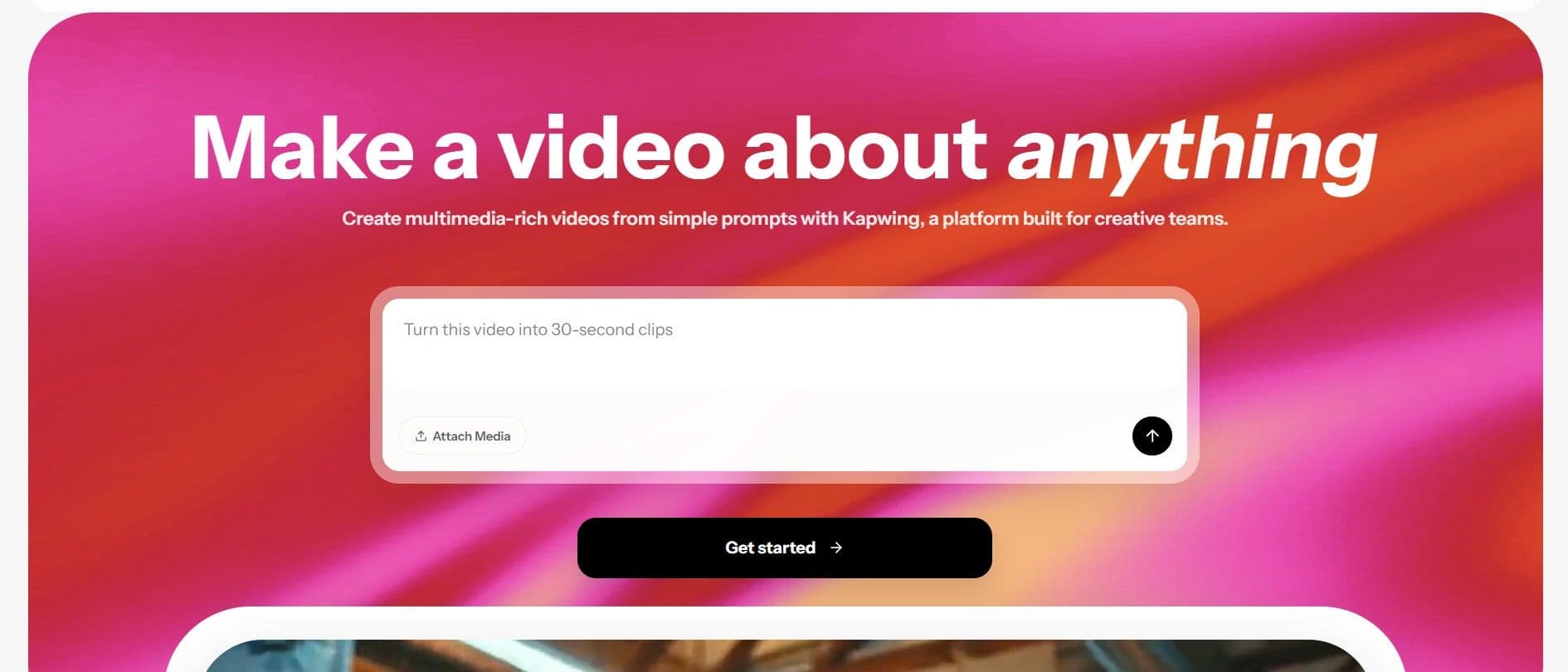
Image: TechRadar
Kapwing makes a strong case as an all-in-one AI video editor, combining prompt-based video generation with a central editing workspace, AI characters, dubbing, text-to-speech, resizing, and B-roll tools. TechRadar’s verdict is that it’s one of the better options available today, even if the pricing is hard to ignore.
The biggest catch is the free tier. It allows 30 minutes of exports per month at 720p, with each video capped at one minute, plus a 2GB upload limit and restricted access to tools like auto-subtitling, auto-translation, and text-to-speech. It’s enough to test the platform, not enough for serious use.
The paid plans are where Kapwing opens up. The Pro plan starts at $16 per member per month and includes 4K exports, unlimited monthly exports, and videos up to 120 minutes long. It also raises AI usage caps to 1,000 minutes of auto-subtitling and 500 minutes of auto-translation each month, while adding background removal, video stabilization, brand kits, and custom fonts. The Business plan costs $50 per member per month and increases those limits further, including 4,000 minutes of auto-subtitling, 2,000 minutes of auto-translation, 2,000 minutes of Clean Audio, and 130 minutes of Lip Sync. Enterprise pricing is custom.
Kapwing features and hands-on testing
Kapwing’s interface centers on a familiar dashboard: editor in the middle, tools on the left, settings on the right. TechRadar says it’s easier to use than many older editing suites, with a responsive design and no lag or timeouts during testing.
Among the standout tools are Translate Video, Smart Cut for removing silences, Image to Video, Text to Video, and Video Storyboards for longer projects. Kapwing also supports video dubbing in 40+ languages and lets users create reusable AI characters from presets ranging from everyday roles to more stylized options.

Recommended reading
Russia Tests Maskless 150 nm Chip Lithography Tool
For its test, TechRadar used the free version across multiple accounts and prompted Kapwing to generate a scene of “A woman in a red coat walks across a rain-soaked city street at night, neon signs reflecting in the puddles, camera slowly tracking alongside her.” The platform first summarized the request, then generated a video in seconds. One odd detail: Kapwing said the clip would run seven seconds, but the final output was five seconds.
TechRadar also tested text, audio, and subtitle edits, and said Kapwing processed both generation and edits quickly.
Adobe Firefly and Veed alternatives
TechRadar points to Adobe Firefly and Veed as cheaper alternatives. Firefly starts at $8.49 per month when billed annually and includes access to models such as Google Veo 3.1 and Runway Gen-4.5, with up to 50 and 11 videos respectively. It also includes Adobe Express Premium and Photoshop on paid plans, though many of its editing features are still in beta and most video models top out at three to five seconds.
Veed starts at $12 per month and, according to TechRadar, offers a more generous free plan with tools like silence removal, background removal, auto-edits, social media character generation, and voice cloning.
The bottom line from TechRadar: Kapwing is fast, polished, and feature-rich, but for personal users especially, the price may push Adobe Firefly or Veed into the conversation.

Computing Editor
Tomas lives in the terminal. He covers chips, laptops, and operating systems with a focus on performance and efficiency. He reads kernel changelogs the way other people read fiction, and he's always on the hunt for the perfect mechanical keyboard switch. If it processes data, Tomas has an opinion on it.
via TechRadar