• 2 min read
macOS 26.4 adds battery charge limit, Safari compact tab bar, and Freeform Creator Studio upgrades
Apple is rolling out macOS 26.4 with a handful of useful updates aimed at extending battery life, enhancing Safari’s usability, and improving creative tools. The update introduces a battery charge limit feature to protec
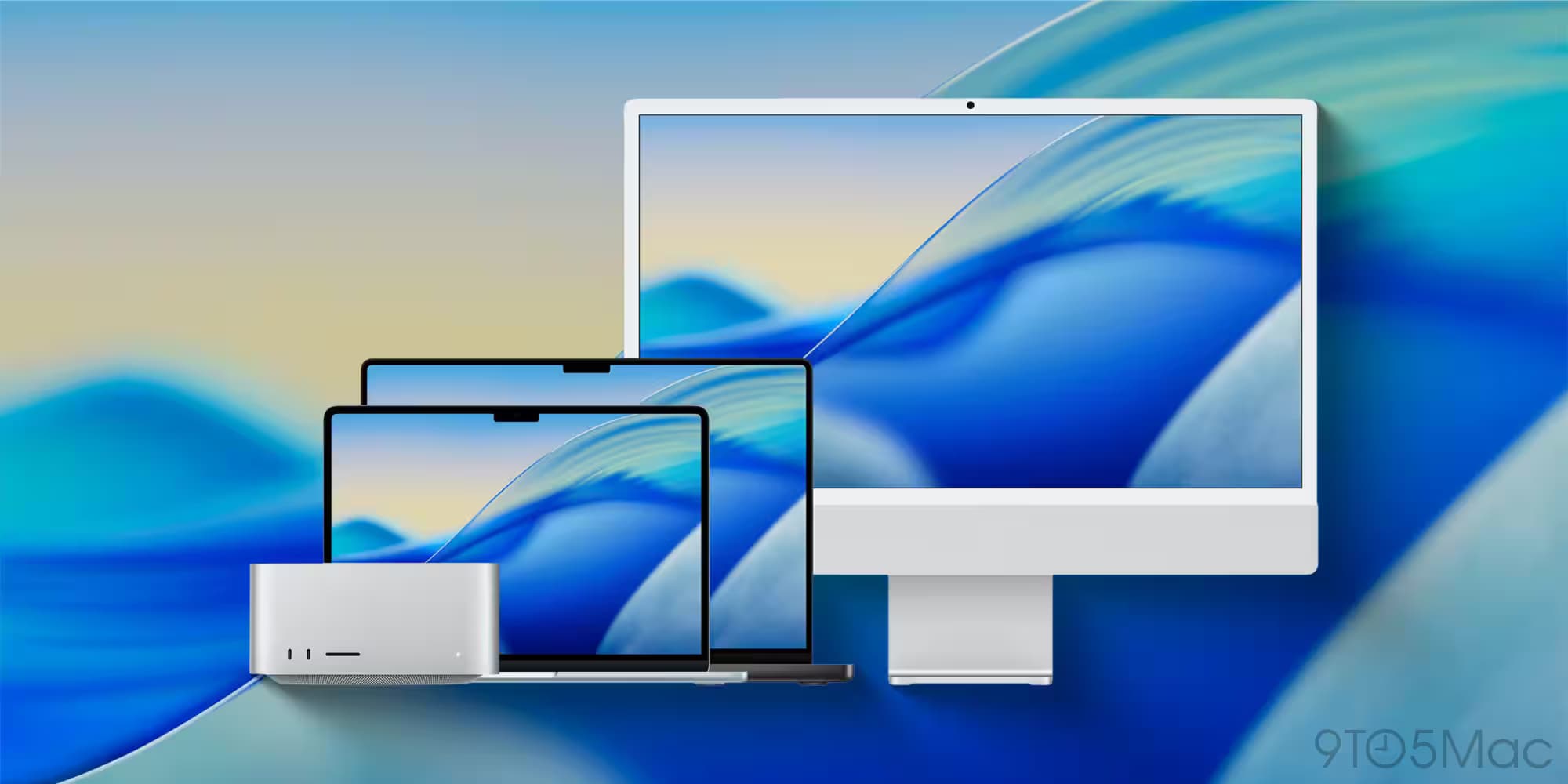
Apple is rolling out macOS 26.4 with a handful of useful updates aimed at extending battery life, enhancing Safari’s usability, and improving creative tools. The update introduces a battery charge limit feature to protect MacBook batteries, restores the compact tab bar option in Safari, expands Freeform with Creator Studio-only perks, and adds eight new emoji across Apple devices.
Battery charge limit in macOS 26.4 helps prolong MacBook battery life
Borrowing a feature common on iPhones and iPads, macOS 26.4 equips MacBooks with a new 'Charge Limit' setting. Found in the Battery section of System Settings, it lets users cap their maximum charge anywhere between 80% and 100%. Apple claims lowering the charge threshold can better preserve battery health over time, reducing wear from constant full charges. This grants MacBook owners more fine control over charging habits without relying on third-party apps.
Safari’s compact tab bar returns in macOS 26.4
After some user pushback following its removal, Apple has reinstated Safari’s 'Compact Tab Bar' as an optional interface element. This slimmer tab bar frees up screen real estate, showing more of the webpage, which is especially handy on smaller MacBook displays. Now with macOS 26.4, anyone can toggle the compact look in Safari’s settings regardless of their screen size, making for a cleaner and more spacious browsing experience.
Freeform gets enhanced Creator Studio features in macOS 26.4
Apple Creator Studio, which bundles professional apps like Final Cut Pro and Logic Pro, now offers exclusive upgrades for Freeform in macOS 26.4. Users gain access to premium images in the Content Hub, image upscaling, intelligent crop suggestions, and an AI-powered image creation tool based on OpenAI’s models. This extends Freeform’s usefulness as a creative collaboration and design tool, granting Creator Studio members a clear advantage.
Eight new emoji added on Mac and iOS in macOS 26.4
Rounding out the update, Apple has added eight fresh emoji characters to the standard Mac, iPhone, and iPad keyboard sets. Highlights include Ballet Dancer, Distorted Face-a cheeky nod to a 2024 controversial iPad ad-Fight Cloud, Hairy Creature, Landslide, Orca, Trombone, and Treasure Chest. These additions keep the emoji palette lively and expressive.

Recommended reading
5 Windows 11 update features worth noticing now
While none of macOS 26.4's new features are earth-shattering, they represent thoughtful improvements-especially the battery charge limit, which counters long-term battery degradation, a pain point for portable devices. The return of Safari’s compact tab bar also shows Apple listens to user feedback more closely. With Freeform adding AI-powered capabilities, the update highlights Apple’s growing focus on integrating AI tools inside native apps.

Computing Editor
Tomas lives in the terminal. He covers chips, laptops, and operating systems with a focus on performance and efficiency. He reads kernel changelogs the way other people read fiction, and he's always on the hunt for the perfect mechanical keyboard switch. If it processes data, Tomas has an opinion on it.