• 2 min read
OfflineTTS puts private TTS and STT in your browser
OfflineTTS bundles browser-based text-to-speech, speech-to-text, subtitles, and document-to-audio tools with local processing and no signup.
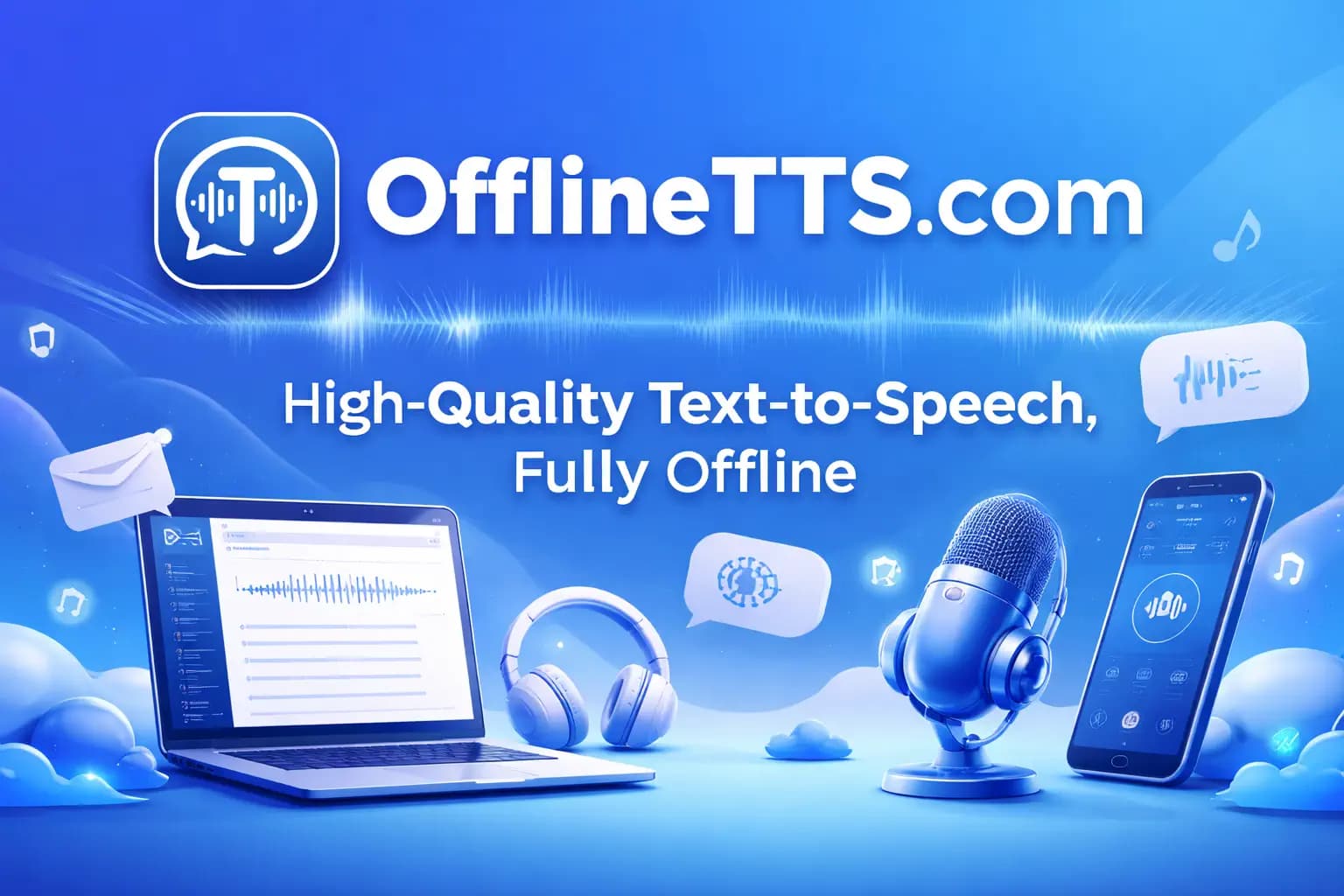
Image: Hacker News
OfflineTTS packages several audio workflows into a single browser-based toolkit: text to speech, speech to text, subtitle generation, and EPUB, PDF, or TXT to audio. The pitch is straightforward: it is free to use, requires no signup, and keeps core processing local in the browser.
The platform supports 4 local TTS engines and Whisper for transcription. According to the site, English TTS and Whisper STT can work offline after model download. It also offers TXT, SRT, and VTT exports, plus a workflow directory aimed at creators, accessibility use cases, study, and privacy-sensitive research.
The available engines and capabilities include:
- Kokoro: 54 voices across 9 languages
- Kitten: 8 expressions, designed as a lightweight local TTS option
- Piper: 25 voices, positioned as CPU-friendly
- Supertonic: 5 languages — English, Spanish, Portuguese, French, and Korean
- Whisper: 99 languages for transcription
OfflineTTS says all core tools run in the browser using WebGPU or WebAssembly. Beyond basic TTS, the service also handles audio transcription, timestamps, SRT subtitles, VTT caption exports, and document listening workflows.
The site frames this as an alternative to upload-first services such as ElevenLabs, NaturalReader, and Murf, emphasizing free usage, unlimited use, offline mode, and a browser-first privacy model rather than server-side processing. It also says there is no API key gate.

Recommended reading
Chrome’s Gemini tools reach UK desktop users
For exports, voice workflows support WAV and MP3, while transcription supports TXT, SRT, and VTT. The one caveat on commercial use: the site says generated speech is usable in most creator workflows, but users should check the upstream model terms before large-scale commercial deployment.

Computing Editor
Tomas lives in the terminal. He covers chips, laptops, and operating systems with a focus on performance and efficiency. He reads kernel changelogs the way other people read fiction, and he's always on the hunt for the perfect mechanical keyboard switch. If it processes data, Tomas has an opinion on it.
via Hacker News