• 2 min read
LG monitors trigger Windows 11 app installs and ads
Some LG monitors can silently install a Windows 11 app that serves ads, including McAfee pitches, when first connected.

Image: The Register
Plug an LG UltraGear monitor into a Windows 11 PC and you may get more than a display. According to The Register, some LG monitors can silently trigger installation of the company’s Monitor App Installer through a built-in Windows device app feature — and users say that app serves unwanted ads, including prompts for McAfee.
The behavior relies on Microsoft’s UWP device app system. When a supported external device is first connected, Windows 11 can check its metadata and automatically install the manufacturer’s app. Microsoft says this only happens if the user chose Recommended Settings during setup, is signed in to the Microsoft Store, and is online.
That mechanism can be useful for delivering control software without sending users to a website or app store search page. But because it applies to external devices and installs with no direct prompt, it is also easy to misuse.
Gamers Nexus documented the process after what it described as a “sudden influx of user reports online.”
“Adware was our thanks for spending $1,200 with LG.”
The presenter also said LG “technically possess permission to use all system resources,” along with access to geo-location, device data, online activity, contacts, user credentials, transactions, “and more.”
Recommended reading
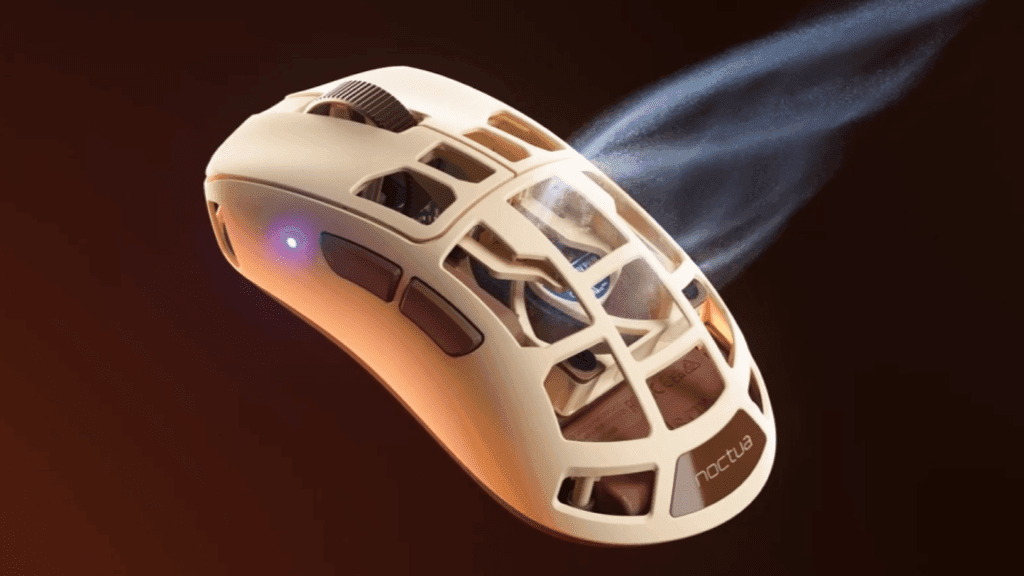
Pulsar’s $180 mouse puts a Noctua fan on your hand
Users have been complaining for some time on social media about apps appearing after connecting devices, with LG’s Monitor App Installer drawing particular criticism because of its advertising. The app has limited practical use, The Register noted, and can display promotions for other services.
If a user installs the app directly from the Microsoft Store, that is a deliberate choice and the requested permissions are visible beforehand, including internet access. Installed through the automatic device setup path, though, there is no equivalent notification. Users may only notice after seeing a new Start menu entry, a system tray icon, or pop-up ads.
Microsoft’s own documentation says “the automatic installation feature does not provide a notification to the user when the app is installed,” and warns that users may find the experience confusing and frustrating. At the time of writing, LG’s Monitor App Installer held a 1.3-star rating in the Microsoft Store.
The Register said it contacted LG for comment and asked Microsoft whether it would tighten the automatic installation process. Neither company had responded by the time the piece was published.

Computing Editor
Tomas lives in the terminal. He covers chips, laptops, and operating systems with a focus on performance and efficiency. He reads kernel changelogs the way other people read fiction, and he's always on the hunt for the perfect mechanical keyboard switch. If it processes data, Tomas has an opinion on it.
via The Register