• 3 min read
OpenCore keeps old Intel Macs useful
OpenCore Legacy Patcher can run macOS Sequoia on unsupported Intel Macs, but Tahoe is still a trap and a few hardware quirks remain.
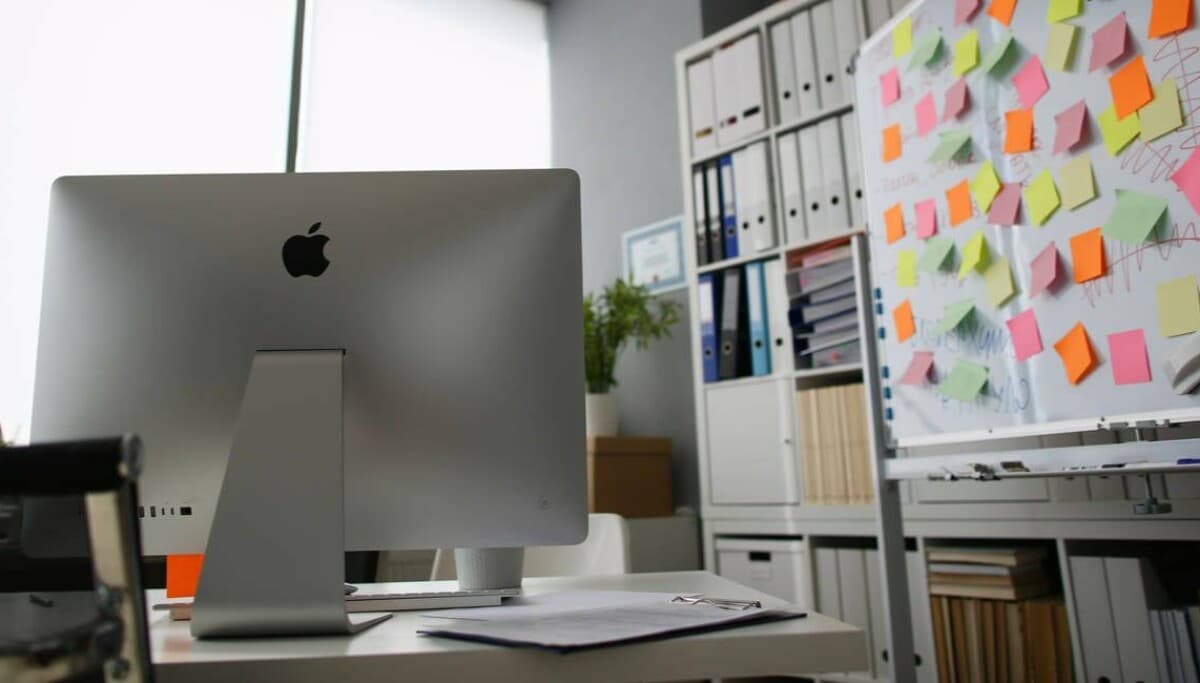
Image: The Register
OpenCore Legacy Patcher is now at version 2.4.1, and for owners of aging Intel Macs it remains one of the most practical ways to keep unsupported hardware running current-ish macOS. The tool uses OpenCore to bypass Apple’s model checks and install newer releases on Macs Apple has left behind.
There is a hard limit right now: macOS 15 Sequoia is the newest release OCLP supports. It still does not support macOS 26 Tahoe, which matters because Apple has already reduced Intel support to just four x86 Macs in that release.
The Register tested OCLP on a 27-inch Retina 5K iMac (late 2015) upgraded with a quad-core i7, 32 GB of RAM, a 1 TB NVMe SSD, and an 8 TB hard disk, plus a 27-inch Apple Thunderbolt Display. Apple officially stopped at macOS 12 Monterey for that machine.
OCLP can download macOS, build a bootable installer, and create a model-specific OpenCore configuration. That last point is important: by default, the USB installer is built for the Mac you run it on, not as a generic installer. Booting also takes an extra step, since users must select the custom EFI Boot entry rather than start the installer normally.
Recommended reading
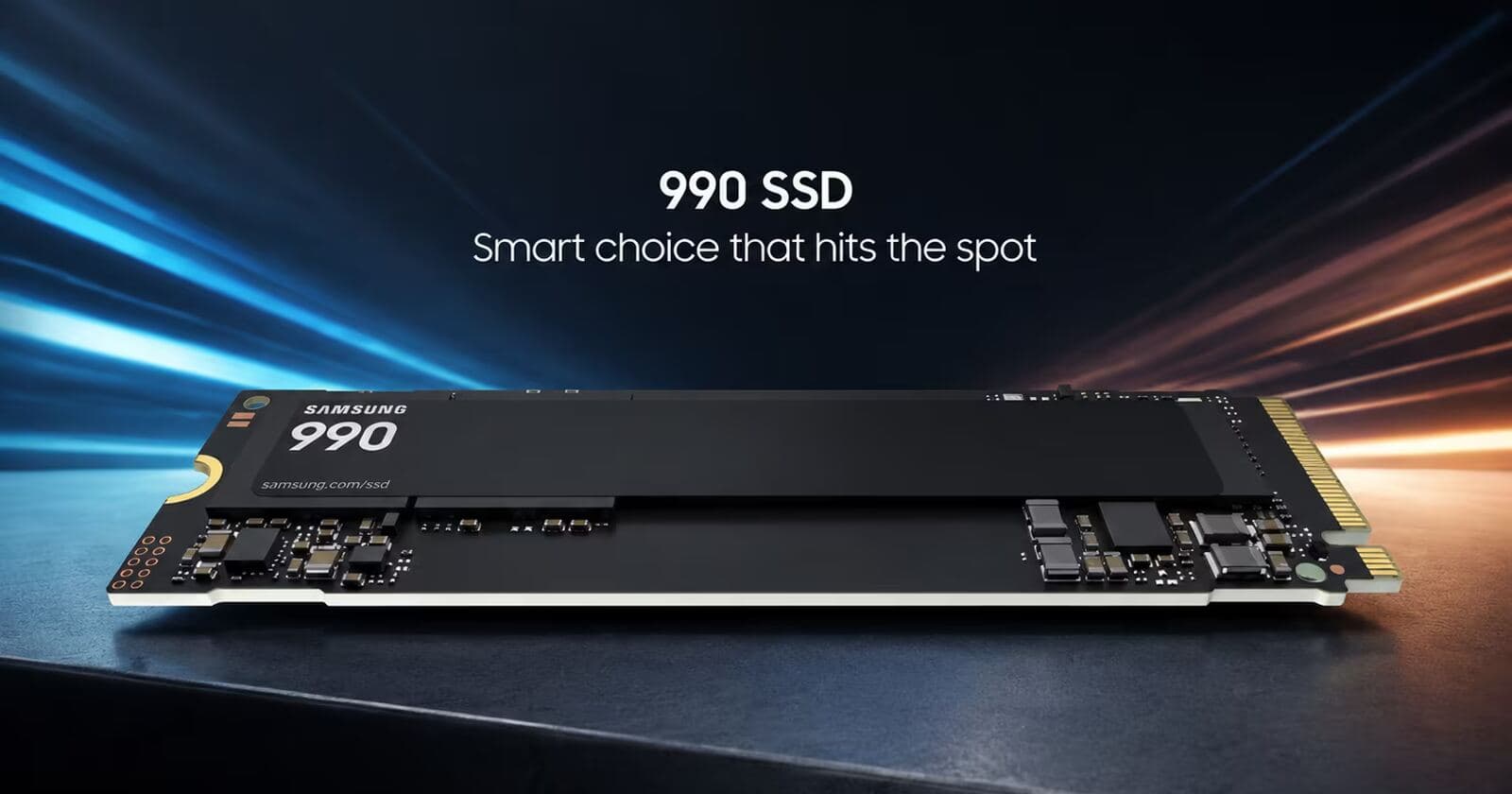
Samsung 990 SSD hits 7,250 MB/s with a 2TB option
The publication’s main advice is basic but useful: use wired USB keyboard and mouse, expect lots of reboots, and keep a backup of the last officially supported macOS installation if possible. It used Carbon Copy Cloner as a fallback before upgrading.
What broke after installing Sequoia
Most apps survived the move, but VMware Fusion did not. The iMac could finally update beyond Fusion 13 to Fusion 26, but virtual machines showed only a black screen. VirtualBox and UTM worked normally.
A bigger snag came from storage. The machine’s home directory lived on an HFS+ volume on the hard disk, while Sequoia expects more of the user environment on APFS. Settings failed to save properly, and some first-run prompts kept returning on every boot. Moving the home directory back onto the SSD fixed the issue, though the process took about five hours.
There was an upside: with the home directory on SSD and large folders moved back to the hard disk using macOS aliases, the iMac felt faster than before.
Why Tahoe and Linux are poor alternatives
The biggest warning is simple: do not upgrade this setup to macOS 26 Tahoe. According to The Register, Tahoe may boot on an OCLP system, but USB does not work, which means no keyboard or mouse.
The site also tried Linux instead. Pop!_OS 24.04 was effectively unusable with the dual-display setup attached, and although Ubuntu 26.04 ran well on the iMac alone, it crashed as soon as the Thunderbolt Display was connected. The display’s extra hardware features — Firewire, Ethernet, three USB-B 2 ports, webcam, microphone, and speakers — also failed to work under Linux.
Once Spotlight finished re-indexing about three terabytes of data, the machine settled at 63ºC and, by The Register’s account, ran smoothly. For older but still capable Intel Macs, OCLP remains one of the few viable ways to stretch the hardware further — just stay away from Tahoe for now.

Computing Editor
Tomas lives in the terminal. He covers chips, laptops, and operating systems with a focus on performance and efficiency. He reads kernel changelogs the way other people read fiction, and he's always on the hunt for the perfect mechanical keyboard switch. If it processes data, Tomas has an opinion on it.
via The Register