• 3 min read
Phone Link made Android and Windows click for me
Microsoft’s Phone Link turned one TechRadar writer’s Android and Windows setup into a faster photo-transfer and app workflow.
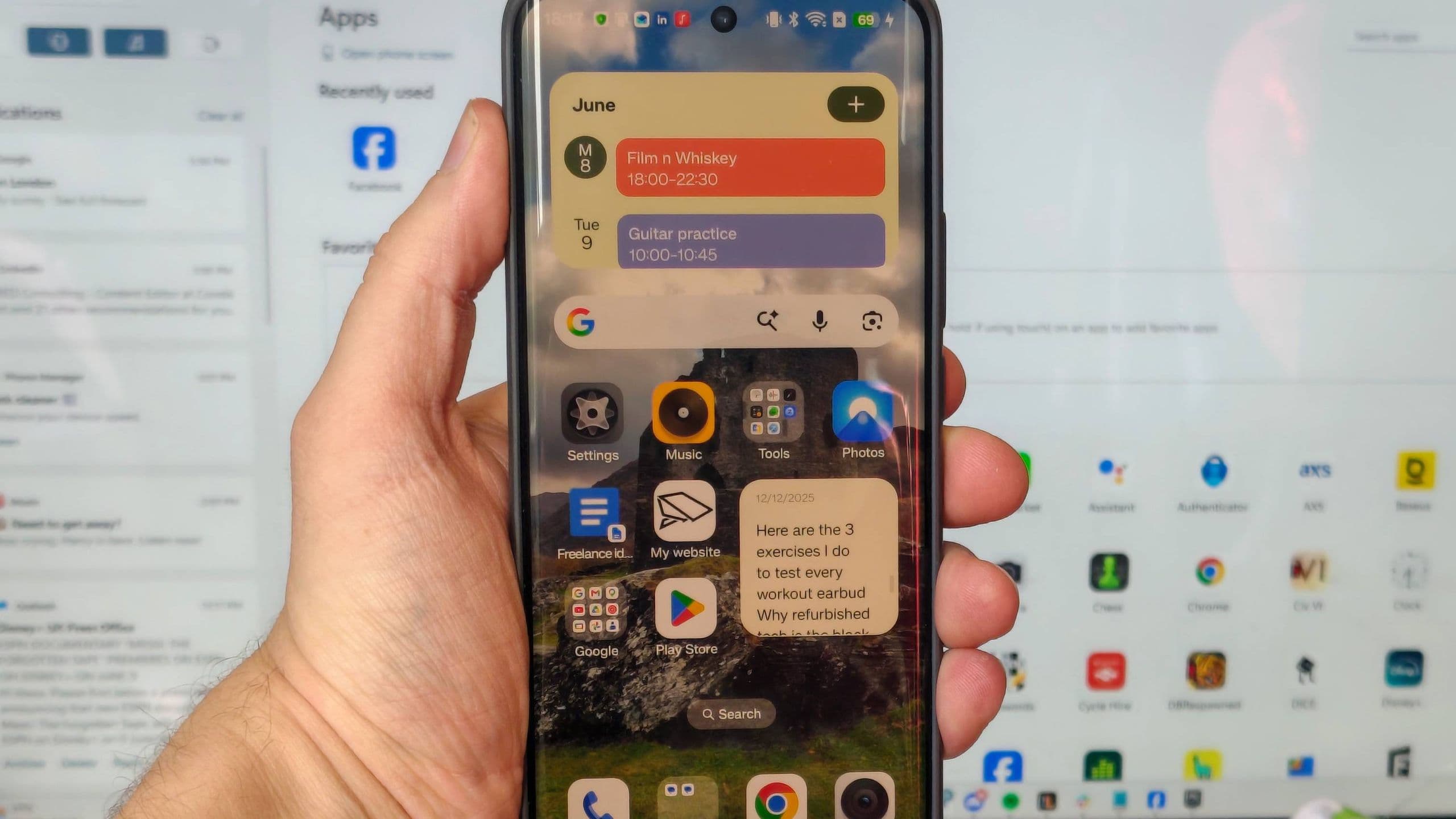
Image: TechRadar
For a long time, TechRadar contributor Tom Bedford assumed iPhones had a clear edge over Android phones when it came to easy desktop integration. His view changed after trying Phone Link, Microsoft’s Windows app for connecting an Android handset to a PC.
He says he initially installed it as a test and expected to use it for only a weekend. About a year later, it had become a regular part of his workflow, especially for moving photos from phone to computer.
Photo transfers and file access
According to Bedford, Phone Link’s Photos tab solved one of his most common tasks: getting images off a phone quickly. As a smartphone journalist, he frequently transfers camera samples, backs up photos before returning review devices, and moves images taken on one phone of another.
Before using Phone Link, that meant plugging in a USB cable, approving the connection on Android, and manually dragging files over. With Phone Link, recent photos appear automatically as long as the phone and PC are on the same Wi‑Fi network. From there, he can save them to the PC, open them in an editing app, or share them.
Recommended reading
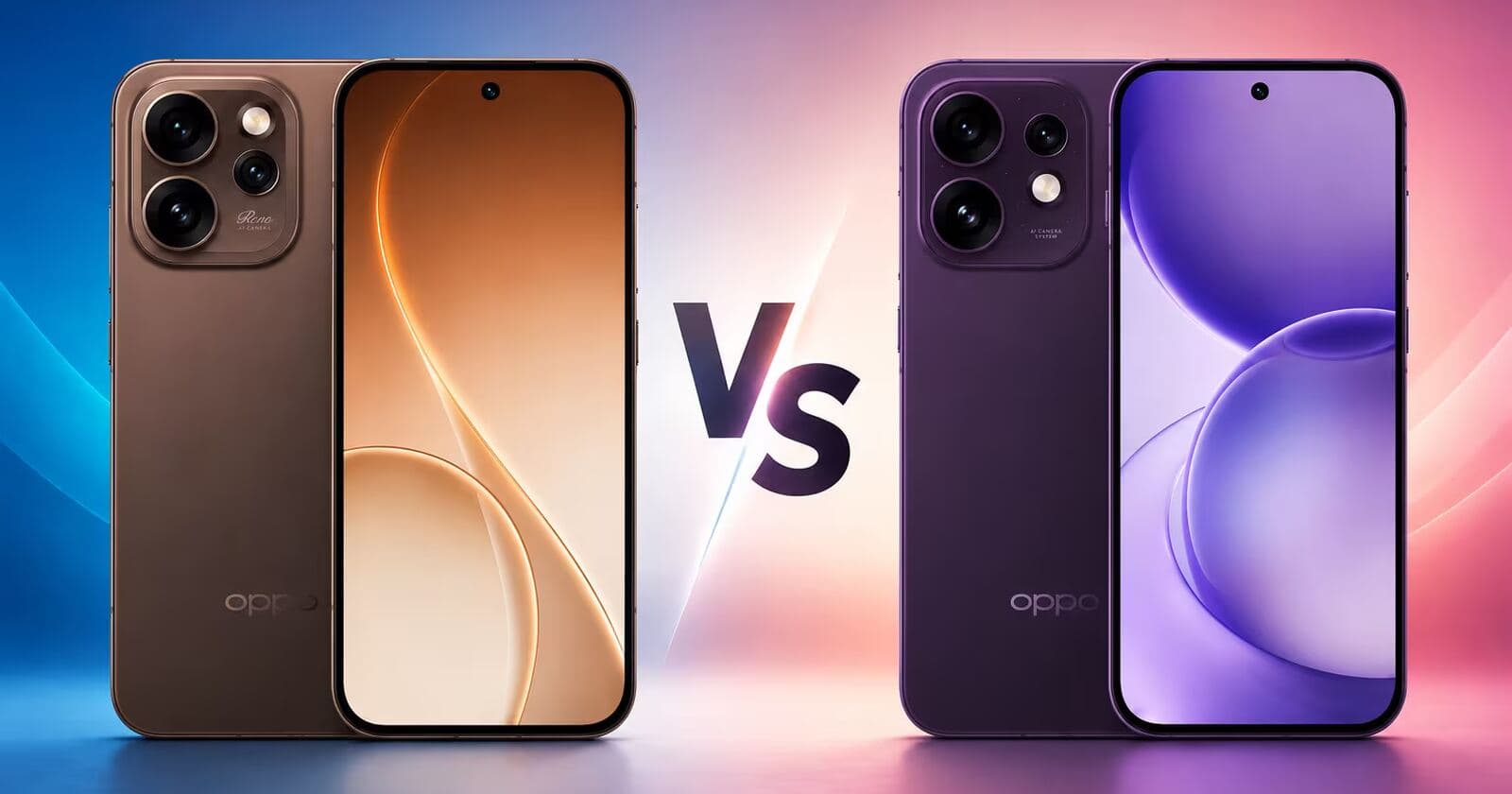
Oppo Reno 16 adds IP69K and a bigger battery
He also notes that the app exposes the phone in a Files tab alongside other drives, making it possible to browse the handset’s contents directly from Windows.
Running Android apps on Windows
Bedford says the Apps page can launch installed Android apps in separate windows on a PC. He found that using phone apps with a mouse and keyboard is not always ideal, but a few use cases stuck:
- Spotify as a floating music control window
- Apps without strong PC alternatives, such as Too Good To Go or Mubi Go
- Mobile-first services that are easier to access through the phone version
He also describes a more practical use from a previous job: when he could not use a work Gmail account on a personal computer, Phone Link let him read email on his PC through the phone app instead.
The software also supports calls, texts, and notifications, with Bedford saying the notification panel works well on a second monitor as a persistent view into what is happening on his phone.
Phone controls and one key limitation
Beyond apps, Phone Link can show phone status details including battery level, connections, pairing state, and even the current wallpaper. Bedford says the most useful controls are the quick toggles for vibrate, sound, silent, and Do Not Disturb. He highlights Do Not Disturb as especially helpful before video meetings, when he wants to avoid unexpected calls.
He also likes the option to make the phone play a sound so he can find it more easily.
His main complaint is that the phone still needs to be nearby: each session requires unlocking the device and approving the connection. Even so, Bedford says the trade-off has been worth it for how much the app has improved his day-to-day setup.

Gadgets Editor
Eli is obsessed with the tangible future. He reviews phones, wearables, and everything with a battery. Known for his rigorous testing protocols and unabashed teardowns, Eli has broken more review units than he cares to admit, all in the name of discovering the truth about durability and repairability.
via TechRadar