• 2 min read
Siri AI beta opens with a waitlist
Apple’s Siri AI beta is live, but only on supported devices running the new public betas and after joining a waitlist.
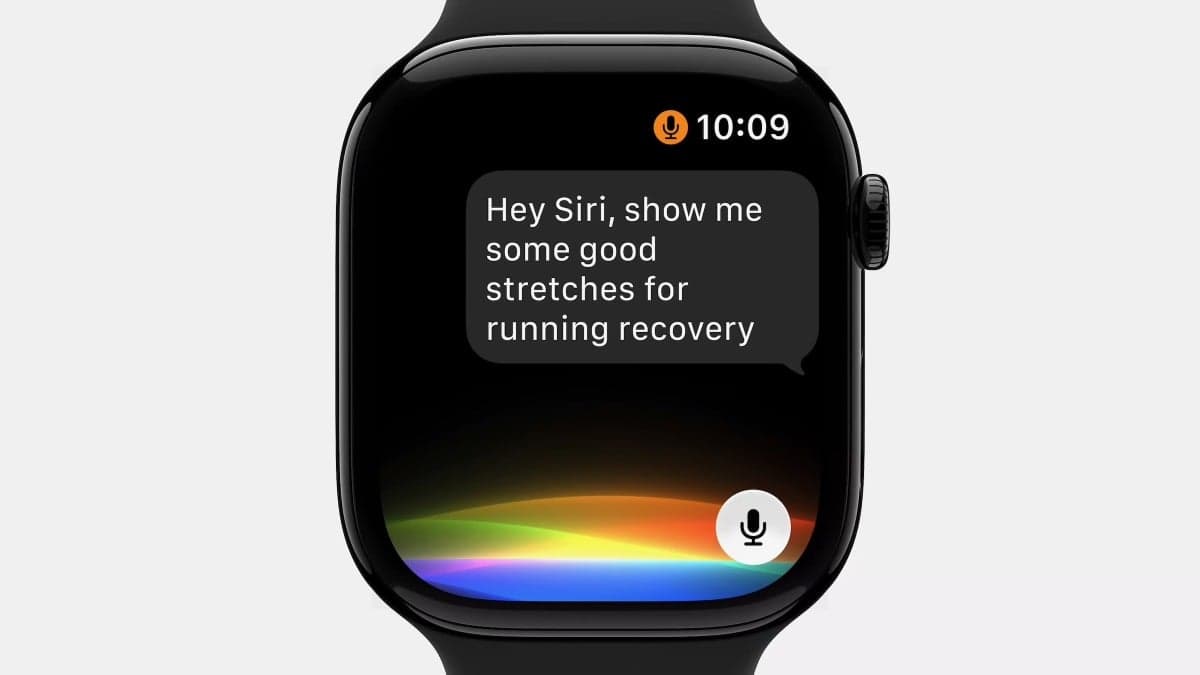
Image: Mashable
Apple has opened access to the Siri AI beta, but getting in takes more than installing iOS 27 or Apple’s other new public betas. Users also need a compatible device, Apple Intelligence enabled, and a spot on Apple’s Siri waitlist.
Apple introduced the new Siri AI alongside its latest operating systems at WWDC 2026 in June, then released public betas for iOS 27, macOS 27 Golden Gate, iPadOS 27, watchOS 27, tvOS 27, and visionOS 27 on Monday. According to Mashable, the setup process takes about 20–25 minutes before the waitlist step.
To try it, users need to:
Recommended reading
Chrome’s Gemini tools reach UK desktop users
- Confirm their device supports Siri AI and Apple Intelligence.
- Join the Apple beta software program and back up the device.
- Turn on Apple Intelligence in Settings > Apple Intelligence & Siri.
- Install the relevant public beta through Settings > General > Software Updates.
- Go to Settings > Siri and tap “Try the new Siri (Beta)” to join the waitlist.
Device support is limited. On iPhone, Siri AI works on the iPhone 15 Pro, iPhone 15 Pro Max, iPhone 16e, iPhone 16, iPhone 16 Pro, iPhone 16 Pro Max, iPhone 17e, iPhone 17, iPhone 17 Pro, iPhone 17 Pro Max, and iPhone Air. Full access to all Siri AI features is limited to the iPhone Air, iPhone 17 Pro, and iPhone 17 Pro Max.
On iPad, it requires an M1 chip or newer, or the iPad mini with the A17 Pro chip; full access requires an M4 chip and at least 12GB of RAM. On Mac, Siri AI runs on M1 systems and newer, while full access needs M3 or newer plus 12GB of RAM. For Vision Pro, all models support visionOS 27 and Siri AI, but full access is limited to the M5 Vision Pro.
Mashable says wait times vary, but Apple Developer Program members appear to get approved faster. Approval typically takes five to 10 days, though some users get in within 24 hours.

Computing Editor
Tomas lives in the terminal. He covers chips, laptops, and operating systems with a focus on performance and efficiency. He reads kernel changelogs the way other people read fiction, and he's always on the hunt for the perfect mechanical keyboard switch. If it processes data, Tomas has an opinion on it.
via Mashable